Play Now or Keep for Later? Your Options After a Tubidy Mobile Search
For this walkthrough, I’m using Tubidy at tubidyhub.org. If you know the title and performer, search for them together. Check that you’ve found the right version before you play the song. If the rights holder allows downloads, choose MP3 for offline listening or an MP4 labeled as video if you want the picture too.
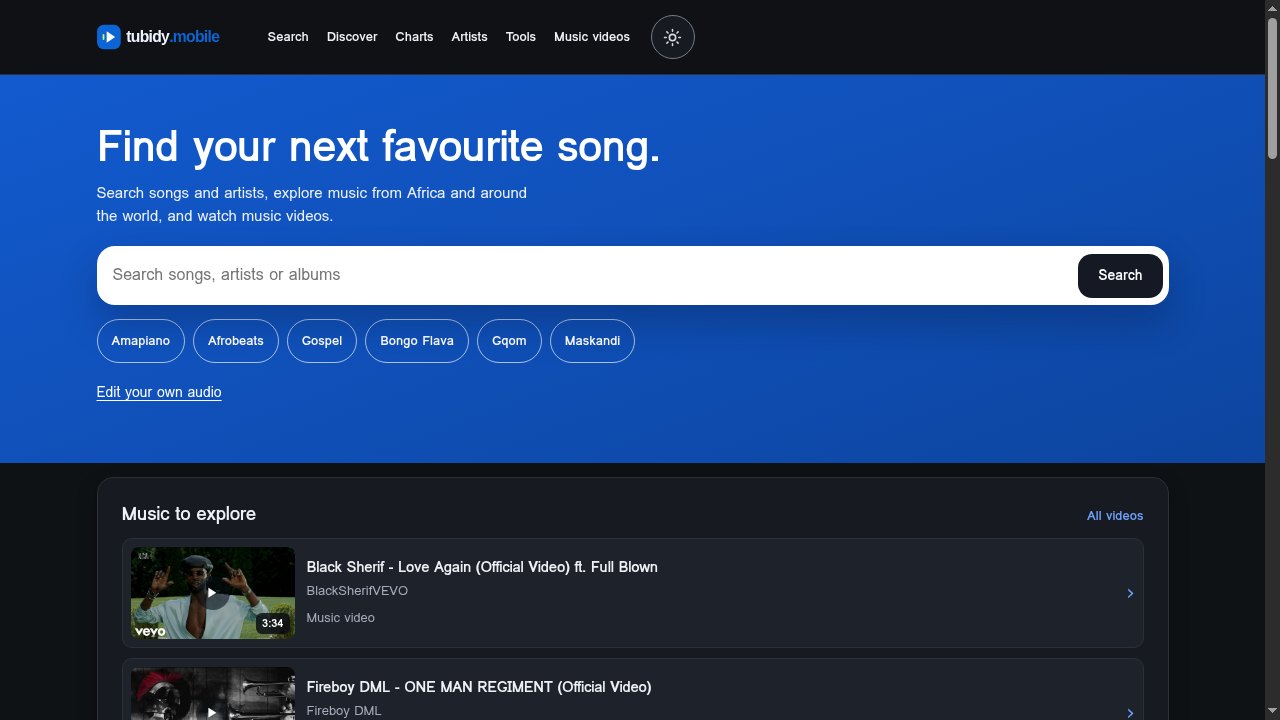
On a first visit, all you need is a phone browser and a song title. You can leave the format decision for later. There’s no need to install a converter or look up every featured artist. Start with one question: is this the recording I came for?
Which Tubidy page should you open?
Check the domain in your browser’s address bar. Several pages use the Tubidy name. A search result headed “Tubidy MP3” tells you what the page is about, not who runs it.
- Open the intended address. Tap the address bar, enter
tubidyhub.organd press Go or Enter. When the page loads, tap the address bar again to read the domain. If you’ve landed somewhere else, don’t assume that site’s account requirements, download options or terms apply to the page you meant to visit.
- Search for a particular track. Enter
Young Stunna ASIVUKEin the page’s search field and submit it. Look for results that name the recording. If you get a list of websites instead, you probably searched from the browser’s address bar. Return to the page and use its search field. If you can’t find one, don’t tap a download banner in its place.
How do you pick the right recording on Tubidy?
Look beyond the title: match the performer, version label and running time. A cover can have the same title as the original. A live recording might even have the singer you want but a different arrangement.
- Check the recording before you choose a format. For
Young Stunna ASIVUKE, compare the result’s credits with those on the release you want. AddNjelicto the search if that’s the artist credit you’re looking for. Labels such as “live,” “slowed” and “remix” identify different versions. If you can play a preview, listen for a vocal or passage you recognize. The opening beat alone may not settle it.
What if the search returns nothing?
Take out the last term you added. Try ASIVUKE Young Stunna without the guest credit, then just ASIVUKE. A featured performer can appear on the recording without being named in the result’s title. Removing one term at a time helps you see which one ruled out the match.
What if two results still look right?
Check the running times against the artist’s release listing. A much longer result could be an extended mix or a video with a spoken introduction. A difference of a few seconds tells you less. If the labels don’t settle it, a short preview takes less time and mobile data than saving both files to compare them.
How can you explore South African music on Tubidy without a title?
Start with a genre, then narrow your search with an artist credit. “South African MP3 download” gives a sense of where your interests lie, but it doesn’t distinguish amapiano from Afro house, gqom or kwaito.
Follow one credit at a time
Search for a genre you enjoy. When a track catches your ear, note a featured artist and search for that name alone. Now you’re looking for other recordings by a performer you like, rather than tracks that happen to share a tag. Keep the first track’s title handy so you can find your way back if the next search takes you somewhere unexpected.
Check what “new” means
“Trending” tells you a track is getting attention now, not when it came out. If you want a recent release, match the title and version to the release date the artist or label gives. An older song and a newly issued remix can both be trending, for different reasons.
Should you play a Tubidy result or save an MP3 or MP4?
Choose playback if you’re checking the version or only plan to listen once. If you’ll come back to the song, an authorized MP3 download lets you replay the local file without transferring it again.
| What you want | Choose, if available | Check first |
|---|---|---|
| Identify the recording | Playback | Listen for a passage you recognize |
| Listen regularly without a connection | MP3 audio | Permission, duration and file size |
| Watch the performance offline | MP4 video | Video label, resolution and file size |
| Hear the song once on mobile data | Audio playback | Avoid loading video you won’t watch |
Estimate the data cost before saving
Audio bitrate, measured in kilobits per second (kbps), gives you a rough idea of how much data a song uses each second. Four minutes at 128 kbps comes to about 3.8 MB. Multiply 128 by 240 seconds to get kilobits, then divide by eight to get kilobytes. At 256 kbps, the same four minutes comes to about 7.7 MB, before small differences from tags and encoding.
Streaming a whole song once can use about as much data as downloading it at the same bitrate. The saving comes the next time you listen: offline playback reads the file on your phone. A higher bitrate won’t bring back detail missing from the source recording.
Choose video for the picture, not the extension
MP4 is a container, so the extension alone doesn’t tell you whether there’s a picture. Look for a video label and, if one is shown, a resolution such as 480p or 720p. Higher resolution can show more detail, but it doesn’t determine file size on its own. For versions with the same running time, compare the listed sizes, especially if you’re using mobile data.
What should you check before saving a Tubidy result?
Check copyright permissions first and the file prompt second. A button marked “Tubidy MP3 download” doesn’t tell you whether the rights holder permits copying or whether tapping it will give you an audio file.
- Verify the offer, then check what opens. Look for a download from the artist or label, explicit permission, or license terms that cover the copy you want to make. If saving is permitted, choose the media option for the recording you’ve checked. When the browser shows a filename, read the ending:
.mp3matches an audio download, while.apkis an Android app package. Cancel an installer rather than opening it. If a new tab asks you to allow notifications instead of offering the file, close that tab.
Permission to keep a personal copy doesn’t automatically give you permission to share or repost it. If the terms aren’t clear, stick to authorized playback or look for the release on the rights holder’s own page.
Where did your Tubidy file go, and why won’t it play?
Start with your browser’s Downloads list. Before you spend time looking through your music library, check whether the transfer finished, paused or failed.
On iPhone or Android
In Safari on iPhone, tap the downloads indicator if it’s visible, then select the completed item. In the iOS Files app, tap Browse and look for Downloads under iCloud Drive or On My iPhone, depending on where downloads are set to go. A file you save in the browser won’t necessarily appear in Music or Photos.
In Chrome on Android, open the ⋮ menu and tap Downloads. Tap the item’s name once the download is complete. To find it outside Chrome, open your phone’s file manager and look for the Android Downloads folder. It may be labeled Download.
If the file is incomplete or plays only sound
If the browser reports an interruption, check your connection and available storage before trying again. A file much smaller than the listed size is a clue that the transfer stopped early. If an MP4 finished downloading but plays only sound, open its media details in a player that lists the tracks. Without a video track, there’s no picture to display. If a video track is listed, your player may not support its codec.
Tubidy FAQ: What else should you check?
Is everything on Tubidy free, and do I need an account?
Read the terms and prompts on the page you’re using. Another domain with Tubidy in its name might promise free access or no sign-up, but that doesn’t establish the policy at tubidyhub.org. Mobile data charges can still apply.
Why can I play a track but not download it?
An option to play a song isn’t an offer to save a copy. If there’s no authorized download, check the artist’s or label’s release page rather than using a converter to get around the missing option.
Which uses less data: streaming a song or downloading it?
For one full listen at the same bitrate, there may be little difference. A saved file uses less data on repeat listens because playing it offline doesn’t transfer the audio again.
Why does my saved MP3 show the wrong artist or no cover art?
Your player usually takes the artist and artwork from tags embedded in the MP3, not from the title you saw on Tubidy. If it sounds like the right recording, edit the artist or artwork tags in your own copy instead of downloading the file again.
Why does an MP4 play sound but show no picture?
Check the file for a video track. If it contains only audio, switching players won’t supply the missing picture. If a video track is listed and the download finished, try a player that supports the listed video codec.